
Snapping
Icons:
- Shortcuts: Shift+G, Shift+O, Shift+L, Shift+D, Shift+N, Shift+I
Description
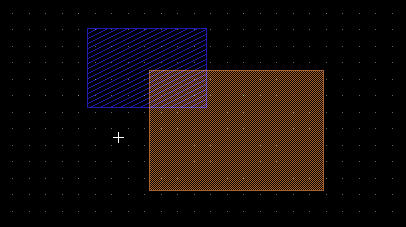
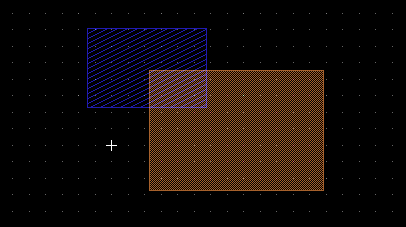
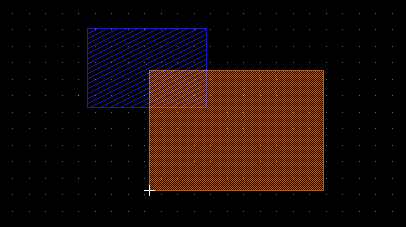
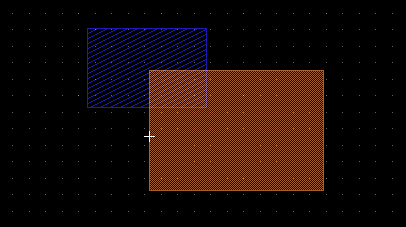
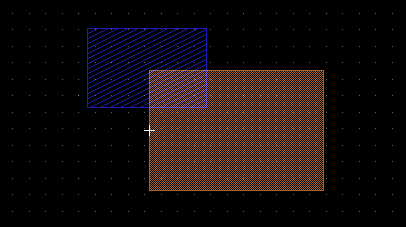
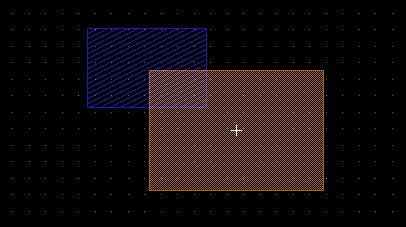
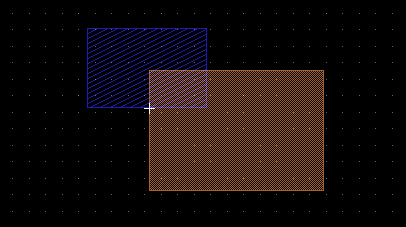
In all drawing modes which modify the design (like BoxMode, PolygonMode, CopyMode, etc.), the exact cursor location will snap to nearby points. This will ensure an exact point is specified by the mouse. How the snapping works can be adjusted via the main menu, a tool bar, or by using shortcuts. There are six different kinds of snapping:
SnapGrid: to any point of the currently used grid
SnapPoint: to any vertex of an existing shape
SnapLine: to any point on the edge of an existing shape
SnapMiddleOfLine: to the middle of an edge on an existing shape
SnapCenter: to the center of an existing shape
SnapIntersection: to the intersection of two shapes
Snapping can be turn activated on an individual basis. By default, after starting LayoutEditor, only SnapGrid is activated. Snapping is not active in non-modifying modes like PointSelectMode or ZoomMode.
Examples
|
|
|
|
|
|
|
|
|
|
|
|
|
|
|
|
|
|
|
|
See also
CategoryFeature CategoryFullVersion CategoryLayout CategoryZoomMenu