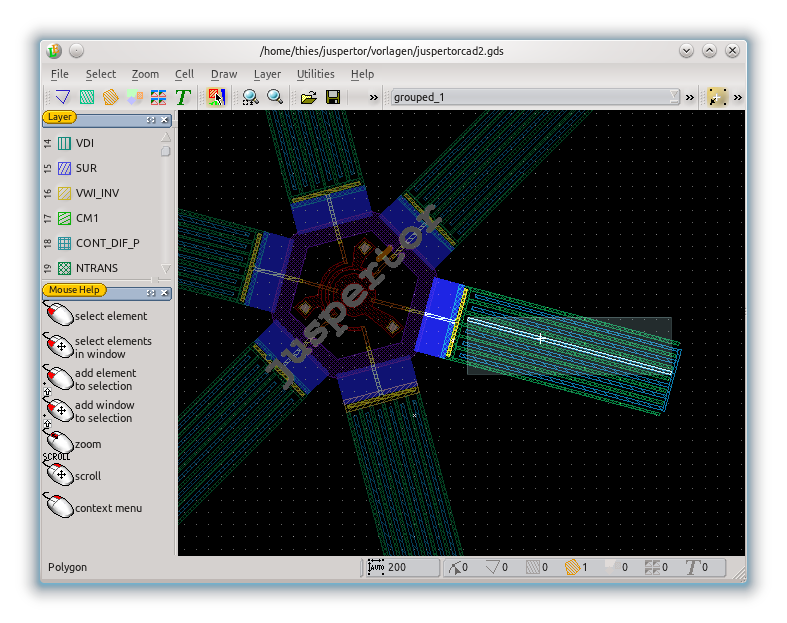
Edit In Place
Designs are hierarchical. That means, that in the main design (also called top cell) references to other cells are placed (cells are also called instances or blocks). In this way repeating structures need only be created and stored once. With the EditInPlace feature it is possible to edit not only the current cell but also any referred cell without changing the existing view. Just set a cell reference as the cell which had to be edited. (e.g. by the context menu of the DefaultMode). After doing so all the other cells will be shaded light gray and it is easy to see which cell is being edited. With ToggleDisplaySurround you can even make all other cells invisible.
Due to how a referred cell may be placed more than once the top design may be edited in more than one location. With MoveCellLeft, MoveCellRight, MoveCellUp, MoveCellDown it is possible to switch through all references and check whether the editing is correct for all placements.
To end the EditInPlace session use a Shift+Doubleleft Click in the DefaultMode, the CellUp feature or just the context menu in the DefaultMode
Example