
Boolean Tools
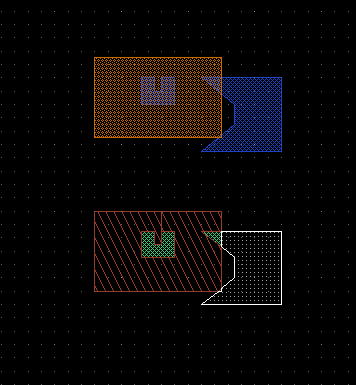 Boolean operations are used to generate shapes or even whole layers automatically. The LayoutEditor supports all possible Boolean operations with 2 layers such as intersection, subtraction, addition, ...
Usage
Select the needed shapes and set the elements used for the Boolean operation. ( SetSelectToA, SetSelectToB)
- Activate the layer in which the result should be added.
- Perform the desired operation.
- Original shapes are maintained and not deleted in the default operation. An addition operation exists which includes the deletetion of the source shapes.
Boolean Operations
The same Boolean operation also exists with included deletion of the source shapes:
Alternative Boolean Operation
There is also a feature which can create a new layer from a Boolean operation on two existing layers. This feature works with frames which enables Boolean operations in very large structures and also supports a one layer merge and an xor between all shapes of one layer.
The CropWithSelection and PunchWithSelection features also does some kind of Boolean operation. They can preserve the hierarchy of the design, if your designs allows it.